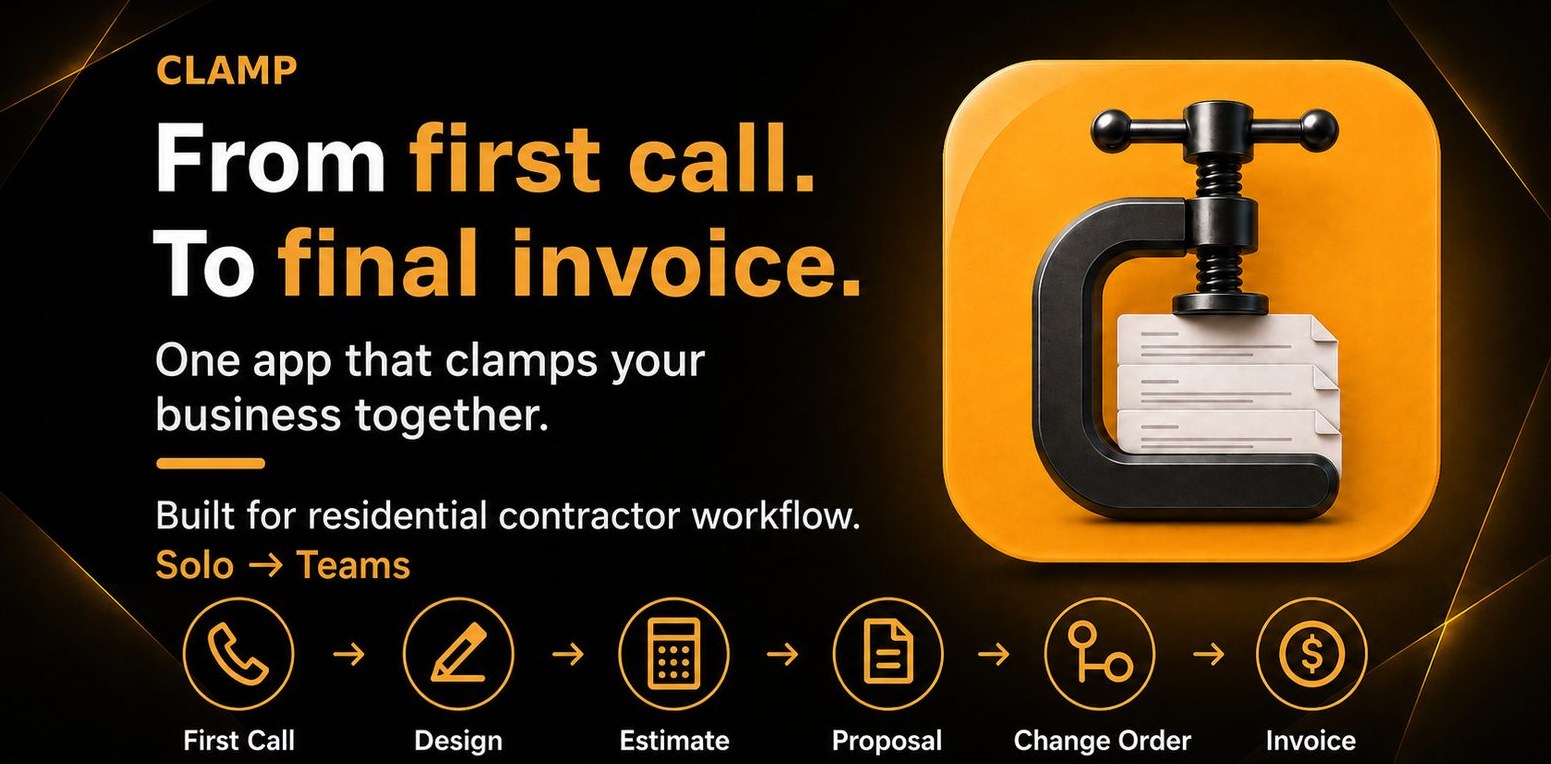
Clamp — From first call to final invoice. Built for solo residential contractor workflow.
Track leads, mileage, receipts, photos, and time on site
5 documents, signed on the homeowner's phone
Push notifications for follow-ups & appointments
Mobile-native
Works offline
No account needed
What Clamp replaces

Notes app. Random photos. Paper estimates. The spreadsheet you started in 2021. Your wife's filing system. That's what most solo contractors call a business. Clamp replaces all of it.

How it works

One workflow. All Clamped.
No re-typing.

Clamp gives you a document for each stage of your project. The lead carries into the design agreement. The estimate carries into the proposal. The change order carries into the invoice. You build it all once, in the same app.

Smith Kitchen Remodel
6 activities · all Clamped
DA
Design Agreement
$1,200
Signed
ES
Estimate
$24,000
Approved
PR
Proposal
$24,000
Signed
CO
Change Order #1
+$2,400 → $26,400
Sent
IN
Invoice — Deposit
$13,200 (50%)
Paid
IN
Invoice — Final
$13,200
Draft
1

First Call

Phone rings. You log the lead in 30 seconds — name, project type, source, follow-up date. Every call becomes a tracked lead. Not a sticky note that disappears.

2

Design Agreement

Send a paid scope-of-work agreement before you spec a single cabinet. Stop doing $400 of free design work for tire-kickers. If they sign, you've built trust. If they don't, you saved your Saturday.

3

Estimate

Build the estimate on your phone. Pick from pre-built assemblies. Set allowances and exclusions. Done before you leave the driveway — not the next weekend.

4

Proposal

Convert the estimate to a branded proposal with payment schedule, scope, and exclusions in plain language. Homeowner signs on their phone. No more 2008-era Word docs.

5

Change Order

Bigger vanity? Extra outlet? Upgraded faucet? Log the change order on the spot. Capture and bill it on the same screen. Stop leaving $300–$3,000 per job on the table.

6

Invoice

Generate invoices from milestones. Send a payment link. Get paid same-day on a phone — not three weeks later, not after two follow-up calls.

What it replaces

One app. Five tools you no longer need.

You're paying $30–$80 a month spread across four or five apps that weren't built for solo contractors. Clamp replaces them all for $12.42/mo on annual.

Clamp
Lead to invoice. One app.
$12.42/mo or $199 lifetime
✓ One app
Jobber
Field service mgmt
$39–$349/mo
✕ Replaced
Housecall Pro
Field service mgmt
$59–$189/mo
✕ Replaced
Joist
Estimates & invoices
$10–$32/mo
✕ Replaced
Invoice Simple
Capped invoicing
$7–$17/mo
✕ Replaced
MileIQ
Mileage tracking
$12–$14/mo
✕ Replaced

Clamp price shown on annual billing. Monthly $19.99.

Feature Clamp Typical app
Lead tracking Turn every call into a tracked lead Not in invoice apps
Design agreements Charge for estimates Not available anywhere
Estimates Mobile-native estimate builder ~Yes in most
Branded proposals Your logo, signable on phone ~Often paywalled
Change orders Capture & bill on the spot Joist Elite tier only
Invoices with payment links Unlimited, no caps ~Often capped or extra
Auto GPS mileage tracking Built in, linked to jobs Separate app required
Auto time on site tracking Logged automatically per job Manual timer or none
Receipt capture Snap, tag to job, export Separate app required
Project photos Attached to leads & jobs ~Separate $24+/mo app like CompanyCam
Works fully offline 100% local storage Most require cloud
No account required Your device, your data Account required by all
Built for solos One person, top to bottom Team-shaped or stripped down
Lifetime option $199 once, own the app forever Subscription only
Typical solo stack: $60–$80/month + unbilled work
$12.42/mo with Clamp
Annual plan. Or pay $199 once and own the app forever.
The reality

The thoughts you're having at 7am.

Solo contractors don't lose jobs because they're bad at the work. They lose them because the paperwork around the work is falling apart. Here's what's actually on your mind — and how Clamp answers it.

7:04 AM

"I'm drowning in leads. I can't keep track of who I quoted, who I followed up with, or who ghosted me."

What you're thinking

in the truck, before the first coffee

Clamp answers:
Every call becomes a tracked lead with project type, source, follow-up date, and notes. You see your whole pipeline in one screen, sorted by what needs attention today.
12:32 PM

"I need to get this estimate out today. The homeowner's going to ghost if I take another week."

What you're thinking

eating lunch in the truck after a walkthrough

Clamp answers:
Build the estimate on your phone before you leave the driveway. Pick assemblies from the library, set allowances, add line items. Send the proposal the same day.
2:18 PM

"I don't want to miss scope. Last job I forgot to bill the demo and ate $1,200."

What you're thinking

walking a job with a clipboard

Clamp answers:
Assemblies bundle all the included scope so you stop forgetting line items. Allowances flag what's not included. Exclusions are clear from day one.
4:47 PM

"I don't want the homeowner arguing about price at the end. I want them to know what they're getting before they sign."

What you're thinking

drafting a proposal at the kitchen table

Clamp answers:
Proposals show included scope, exclusions, and allowances in plain language. Homeowner signs on their phone. No surprises at the final invoice.
6:21 PM

"I need this proposal to look professional. The bigger guy down the road has branded PDFs and I'm sending a Word doc."

What you're thinking

comparing yourself to a competitor's quote

Clamp answers:
Branded proposals with your logo, payment schedule, scope, terms, and signature line. Sent as a clean PDF link. You look like the pro you are.
9:13 PM

"I can't spend four hours estimating every kitchen. Half of them ghost me anyway."

What you're thinking

at the desk after dinner, dreading the evening

Clamp answers:
Pre-built assemblies for common scopes mean the estimate is 80% done before you start typing. Voice-to-estimate is coming. Get the proposal out in 20 minutes, not four hours.

One app. From the first call to the final invoice.

Built for the solo contractor who's tired of stitching four apps together. Try it free.

Download on theApp Store Get it onGoogle Play
Pricing

Built for one. Priced for one.

One app. Three ways to pay. Optional Assistant for contractors who want the work done, not just organized. No fake tiers, no feature paywalls. The annual plan works out to less than a coffee a week. The lifetime plan pays for itself in 10 months of monthly billing — then you own the app, period.

Monthly
$19.99/mo
Cancel anytime
  • All 5 documents
  • GPS mileage & time tracking
  • Branded proposals & invoices
  • Unlimited leads & jobs
  • iOS & Android
Start monthly
Lifetime
$199 once
10-month breakeven vs monthly
  • Everything in Annual
  • Own the app forever
  • All future app updates included
  • Assistant add-on sold separately
  • iOS & Android
Get lifetime
Optional add-on
The Assistant does it for you.

For solo contractors who want the work done, not just organized. The Assistant drafts what needs drafting, sends what needs sending, and tracks what needs tracking — so you don't. Available as an add-on, cancel anytime.

  • Drafts the estimates
  • Sends documents for signature
  • Gives customers a portal
  • Tracks payment status
Monthly
$19.99/mo
Annual
$149.99/yr
Saves $90/yr ($12.50/mo effective). Available to all Clamp users, including lifetime. Add in-app after install.
Compare

See how Clamp stacks up.

Detailed side-by-side comparisons against every app in a solo contractor's stack — features, pricing, and what users actually complain about.

FAQ

Things contractors always ask.

How is Clamp different from Jobber or Housecall Pro?+
Jobber and Housecall Pro are built for shops with employees, dispatchers, and field crews. They push you toward a desktop workflow, start at $39–$59/mo before you add anything, and have features you'll never use because you don't have a team. Clamp is built for one person who runs the whole business from their truck. No team plans. No upsells. No "Pro" tier you have to upgrade to. The whole product is designed for solo residential contractors doing $150K–$600K a year — remodelers, painters, roofers, handymen, electricians, plumbers, and similar trades.
I already use Joist. Why would I switch?+
Joist does estimates and invoices well. The problem is what it doesn't do: no design agreements (you keep eating free design work). No change orders unless you pay $32/mo for their Elite tier. No lead tracking (you can't see what your pipeline actually looks like). No mileage tracking. Clamp does everything Joist Pro does, plus the four things solo contractors actually need that Joist still doesn't have — at a lower price than Joist Elite.
Do I need to create an account?+
No. Clamp doesn't require an account — ever. All your data is stored locally on your device. The app works fully offline in basements, rural properties, and anywhere you lose signal. Your leads, jobs, and documents can never be locked behind a paywall, hacked from a server, or held hostage by someone else's company going out of business.
What exactly are the five documents?+
Design Agreement — paid scope-of-work agreement before you spec a project, so you stop doing free design work for tire-kickers. Estimate — internal cost build with line items and labor. Proposal — branded, signable proposal you send to the homeowner with payment schedule. Change Order — captures and prices scope changes mid-job so you don't lose money on verbal upgrades. Invoice — milestone-based or final, with payment links so you get paid same-day instead of waiting three weeks for a check.
Does it work offline?+
Yes. Everything works offline. You can build a proposal in a basement with zero bars, sign a change order in a back yard with bad WiFi, and log mileage on a rural drive with no signal. Clamp syncs nothing to a server because there is no server. The whole app lives on your phone.
Is this only for remodelers?+
Clamp is built for solo residential contractors — remodelers, handymen, painters, roofers, HVAC, plumbers, electricians, landscapers, and similar trades doing project-based work. If you bid jobs, send proposals, and invoice homeowners, the workflow fits. If you run a 10-person commercial shop with dispatchers, Clamp is not the right tool.
What happens to my data if I stop paying?+
Your data stays on your phone. It's local. Stopping payment means you stop getting new features — it does not lock you out of your own history. Compare that to cloud-based tools where canceling means losing every lead, contract, and invoice you've ever entered.
I was using Lead Score. What changed?+
Same app, new name. We rebranded from Lead Score to Clamp because the original name made contractors think we were a lead-generation service (like Angi or HomeAdvisor), which we're not. Clamp is the same product you've been using — just with a name that actually says what it does: it clamps your whole contracting workflow together. Existing users are locked in at original pricing.